Fanvault Payouts Dashboard is the single screen creators use to track every dollar moving through their storefront. It shows lifetime earnings, available balance, pending holds, and a complete payout history, with a one-click request button when you are ready to cash out. Here is how to navigate it in under two minutes.
⚡ Key Takeaways
- The Payouts Dashboard shows lifetime earnings, available balance, pending holds, and payout history on one screen
- Find it under Selling in the creator dashboard sidebar
- Available balance is withdrawable today; pending holds clear within seven days via Stripe Connect
- A per-source table breaks revenue out by auctions, drops, subscriptions, paid DMs, tips, and wishlist gifts
- Request a payout in one click, or set recurring weekly or monthly payouts under Payout Preferences
- Most payouts land in your bank within one to two business days
Where do I find the Payouts Dashboard?
From any page on Fanvault, open your creator dashboard and look at the left sidebar. Under the Selling section, click Payouts. The hub loads instantly and drops you into the overview view, with your lifetime payout total anchored at the top of the screen.
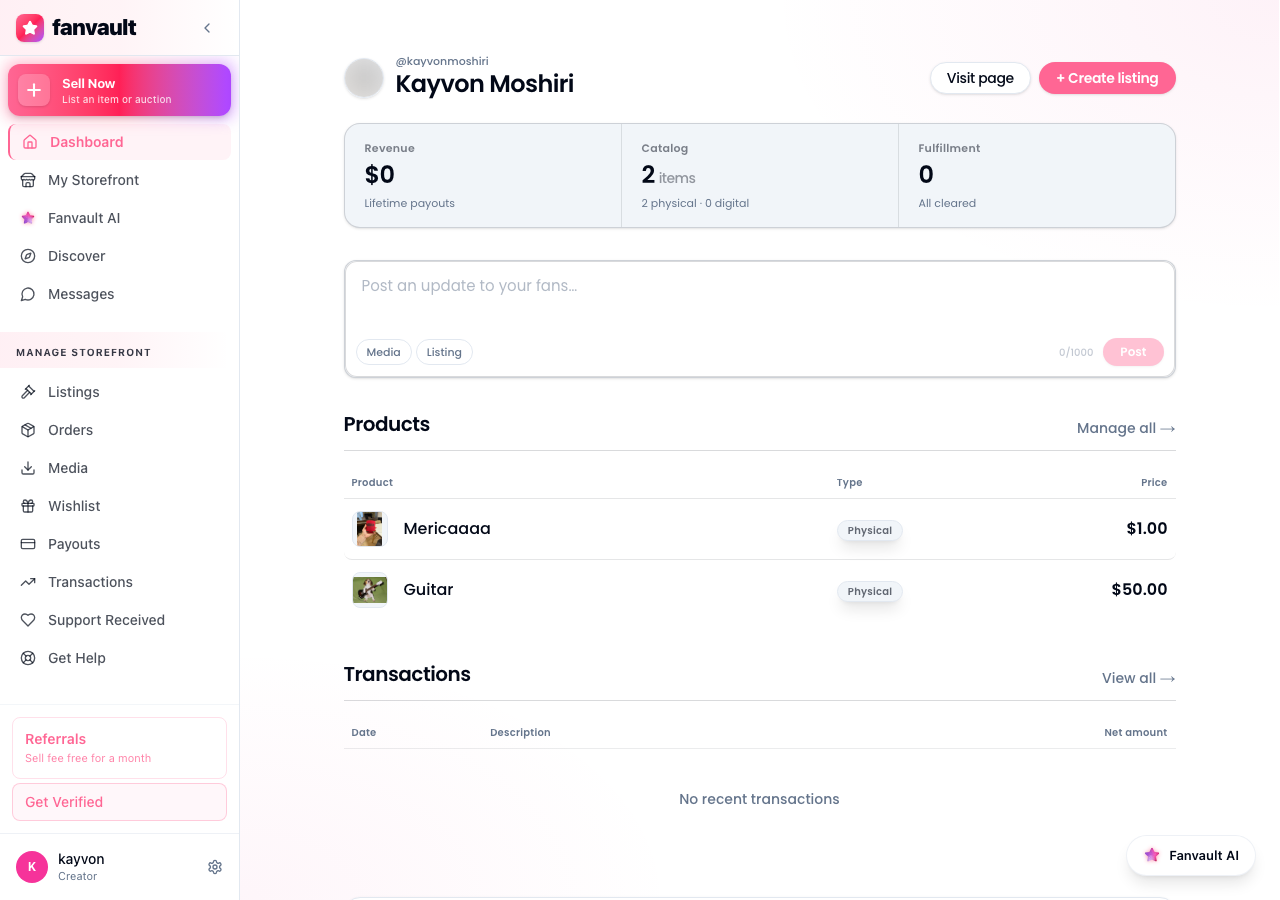
If you just signed up, the dashboard still loads. It simply shows zeros across the board until your first sale clears Stripe Connect. The page is designed to be the home base you check before any payout decision, not a screen buried three menus deep.
What does the overview screen actually show?
Four numbers sit at the top of the page. Lifetime earnings totals every dollar your storefront has ever generated, gross of the 8% platform fee. Available balance is what you can withdraw right now. Pending holds is what is still clearing. Payout history is a running log of every prior cash-out, with date, amount, and status.
Below the top numbers, you get a per-source breakdown. Auctions, buy-it-now drops, subscriptions, paid DMs, tips, and wishlist gifts all show as separate rows. This is how you spot which monetization stream is actually carrying your storefront month over month.
How are pending holds different from available balance?
Pending holds is money you have earned but Stripe has not released yet. Auction wins, large drops, and any first-time buyer flagged for review can sit in pending for up to seven days while the payment processor confirms the charge will not be disputed.
Available balance is the money Stripe has released. It is yours, sitting in your Fanvault account, and it is the only number that matters when you decide whether to request a payout. Treat pending as a heads-up for next week, not cash you can spend today.
How do I review per-source revenue?
Scroll past the headline numbers to the source table. Each row shows a monetization channel, total revenue this period, and net after the 92% creator share. Hover any row to see a thirty-day trend line. This is the fastest way to answer the question most creators are quietly asking, which of my income streams is actually moving the needle?
If wishlist gifts are your top row, you know to double down on your wishlist curation. If auctions dominate, you know your memorabilia listings are doing the heavy lifting. The dashboard does not tell you what to do. It just makes the math obvious.
How do I request a payout?
Click the Request Payout button in the upper right of the overview. A modal opens with your available balance pre-filled. Confirm the amount, double-check the connected Stripe account, and hit Submit. Most payouts land in your bank within one to two business days, depending on your country and bank.
You can also schedule recurring payouts (weekly or monthly) so you never have to think about it. Set it once under Payout Preferences and Fanvault handles the rest. Your storefront keeps running. Your money keeps moving.
What does this unlock for you?
Most creator platforms force you to dig through three different screens to figure out what you have actually earned. Fanvault collapses earnings, holds, history, and the payout request into one view. That means less time reconciling and more time making the work that pays you. Open the dashboard once a week, scan four numbers, and get back to your audience.
Frequently Asked Questions
How long does a Fanvault payout take to hit my bank?
Once you click Request Payout and confirm the amount, the funds route through your connected Stripe Connect account. In most countries, the money lands in your bank within one to two business days. First-time payouts can take a little longer because Stripe runs additional identity checks on the initial transfer.
Why is some of my revenue showing as pending instead of available?
Pending holds cover the window Stripe needs to confirm a charge will not be disputed or reversed. Auction wins, large drop purchases, and orders from first-time buyers typically sit in pending for up to seven days. Once the hold period passes, the amount moves automatically into your available balance, no action needed on your end.
Can I schedule automatic payouts instead of requesting them manually?
Yes. Open Payout Preferences from the Payouts hub and toggle on recurring payouts. You can choose weekly (every Monday) or monthly (first business day of the month). Fanvault will sweep your available balance to your connected bank on that cadence so you never have to log in to cash out.
What does the platform fee come out of?
Fanvault takes a flat 8% on every transaction processed through your storefront, so creators keep 92% of gross revenue. The fee is already netted out by the time a dollar shows up in your available balance, you do not need to subtract it again. Lifetime earnings on the dashboard is shown gross so you can see total volume; available balance is shown net so you know exactly what is withdrawable.