Fanvault Digital Products Storefront is the creator tool for uploading digital files — PDFs, presets, audio, video, bundles — and selling them as one-off purchases with previews, secure downloads, and a built-in buyer library. If your fans have ever asked for your Lightroom presets, your training plan, or your stems, this is the fastest way to turn that request into recurring revenue, with 8% platform fee and creators keeping 92%.
⚡ Key Takeaways
- Digital Products Storefront sells PDFs, presets, audio, video, and bundles directly from your Fanvault profile.
- Fanvault keeps 8% per sale — creators keep 92%, beating Fanvue (15%), Passes (10% + $0.30), and Fanfix (~20%).
- Uploads, previews, secure downloads, and a persistent buyer library are all built in — no Gumroad or Drive links required.
- Buyers check out via Stripe Connect on your profile and get the file instantly in their Library.
- Bundles and anchor pricing let you turn one-off sales into a repeat-purchase storefront.
The whole flow lives inside your existing Fanvault dashboard — no separate Gumroad-style account, no link-in-bio juggling, no Stripe Checkout assembly. Upload a file, set a price, and your storefront has a new product card the same minute.
Why sell digital products on Fanvault instead of stitching together a third-party store?
Most creators end up duct-taping a digital storefront together: a Gumroad page for the file, a Stripe link for checkout, a Linktree to point fans to, and a Google Drive folder for delivery. Every layer takes a cut, and the buyer experience splinters across four tabs.
Digital Products Storefront collapses that stack into one screen on the platform your fans are already on.
| Workflow | Fanvault | Stitched-together stack |
|---|---|---|
| Where buyers check out | Your Fanvault profile | External link in bio |
| Platform fee | 8% | 10–20% across tools |
| File delivery | Secure download + buyer library | Manual Drive/Dropbox link |
| Previews | Built in | You build them yourself |
| Buyer record | Persistent library | Email receipts only |
Where do I find the Digital Products screen?
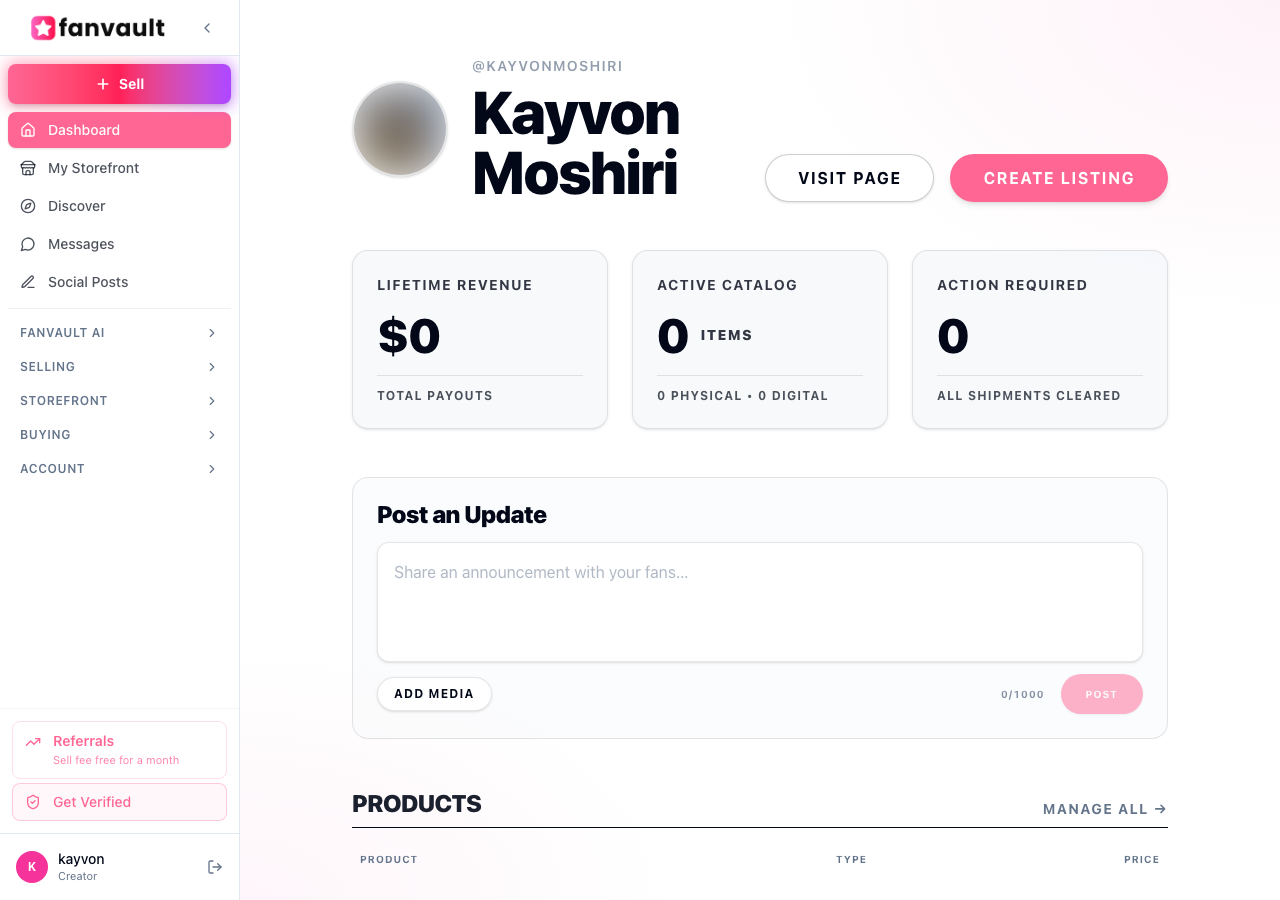
Open your Fanvault dashboard and look at the left sidebar. Under the Selling group, you'll see Digital Products alongside auctions, drops, and wishlists. That's home base for everything you list.
The overview shows your active products, recent sales, and total revenue from digital files — so you can spot which formats your audience actually pays for.
How do I upload my first digital product?
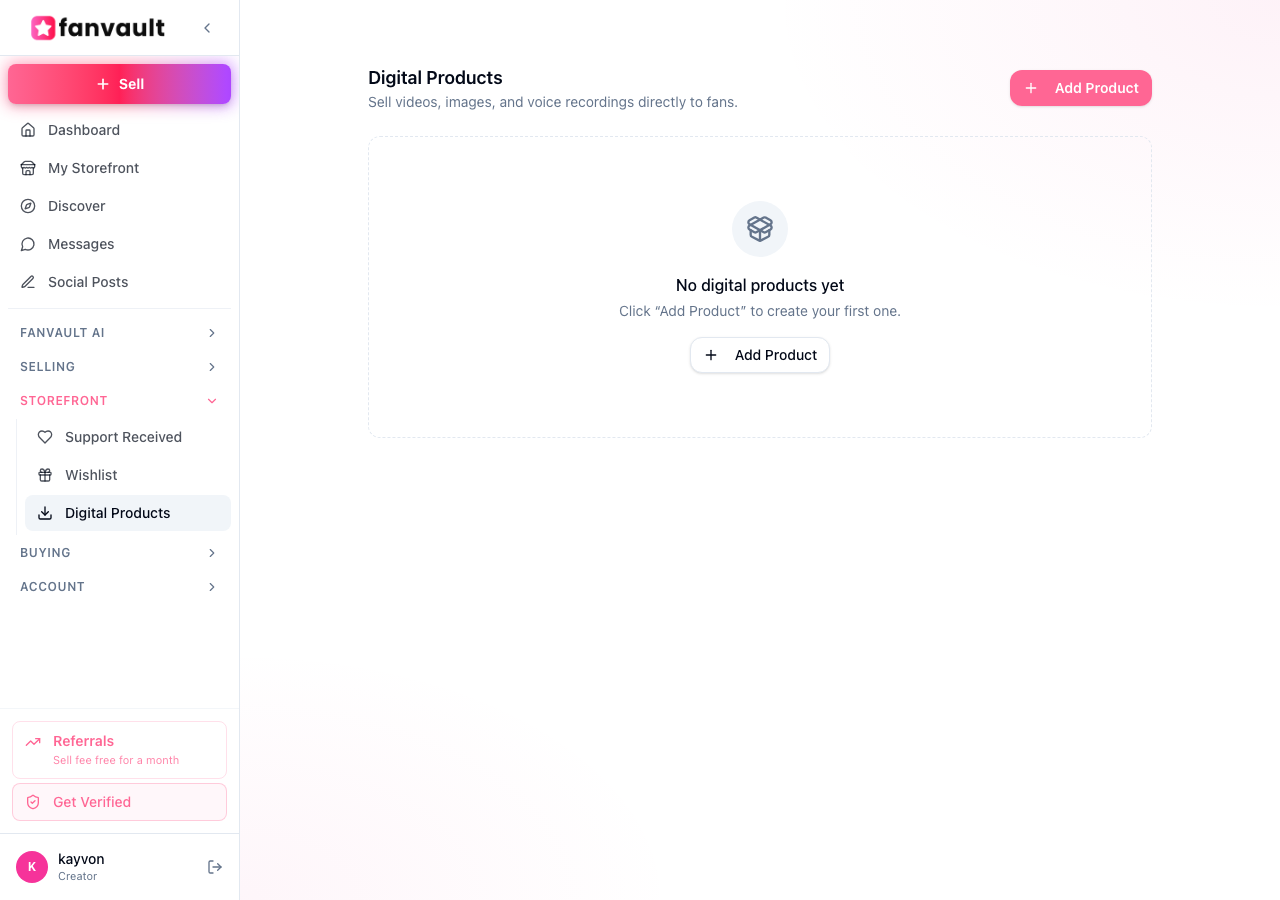
Click New Digital Product from the Digital Products screen. You'll be prompted to drop in your file — PDFs, ZIPs, audio, video, and preset packs all work, and bundles let you ship multiple files as a single purchase.
Add a title, a short description, a cover image, and a price. Fanvault automatically generates a preview block so buyers can see what they're getting without exposing the full file.
What does the buyer see on my storefront?
Your digital products show up as cards on your public Fanvault profile, next to your subscriptions, auctions, and drops. Tapping a card opens the product page with the preview, description, and a buy button.
Checkout runs through Stripe Connect — the same payments backbone Fanvault uses for memorabilia and subscriptions — so buyers can pay with card or wallet without leaving your profile.
How do buyers actually get the file after purchase?
The moment a purchase clears, the file lands in the buyer's Library. It's a persistent shelf of everything they've ever bought from any Fanvault creator — so they can re-download a preset six months from now without emailing you for a fresh link.
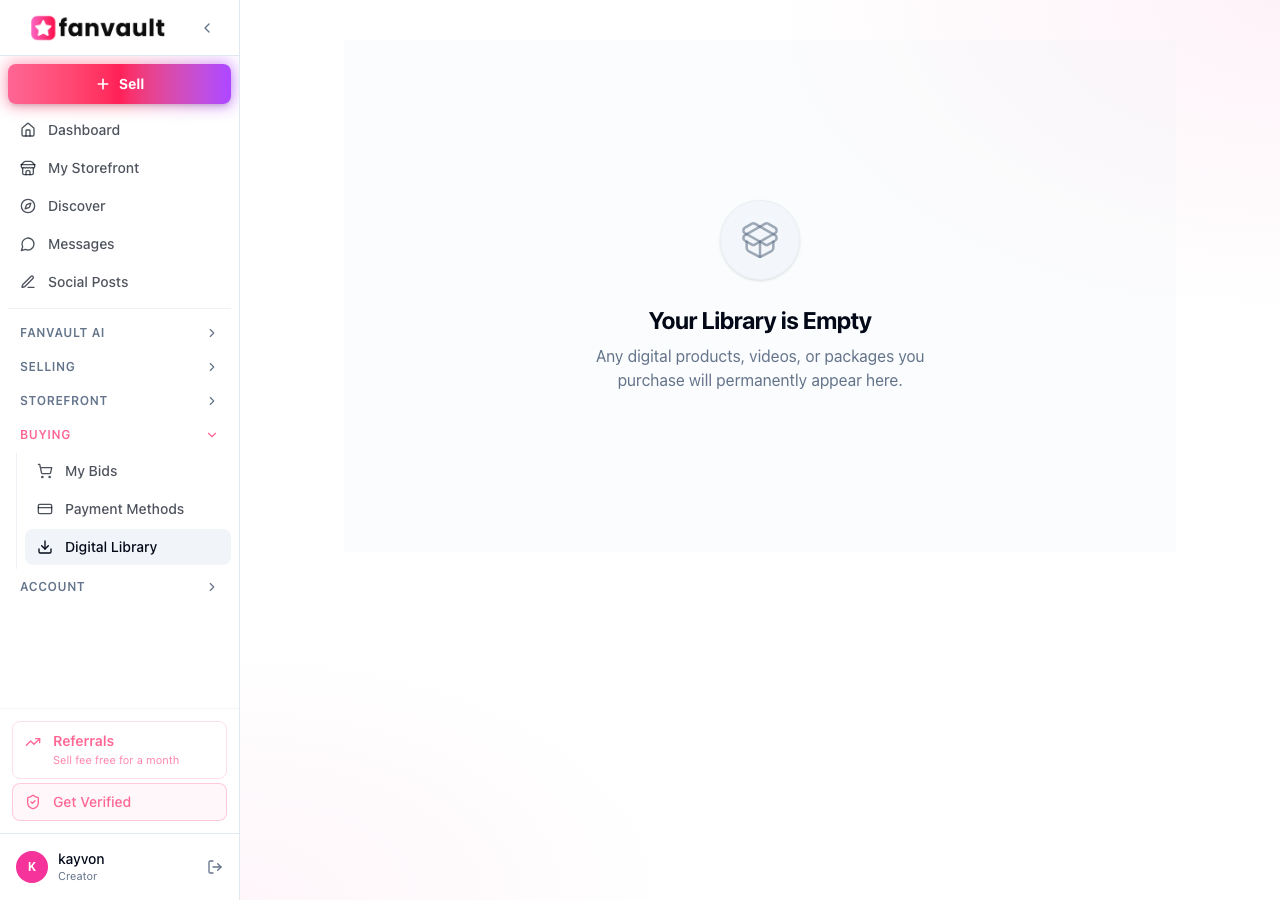
For you, that means fewer support DMs and fewer dead Google Drive links. For the buyer, it's the same calm experience as a music app's purchase history.
How do I price and bundle for repeat buyers?
Start with one anchor product — the thing your fans already ask for most. Price it where it lives naturally in your niche (a preset pack at $15, a training plan at $39, a sample pack at $25). Once you have one product moving, build a bundle that combines it with your second-most-asked-for file at a small discount.
Because Fanvault keeps the fee at 8%, a $30 bundle nets you $27.60 — meaningfully more than the same sale would net on a 15%–20% platform.
What unlocks once your storefront has a few products in it?
This is where the storefront compounds. Fans who came in for a subscription discover your presets. Auction winners browse your sample packs on the way out. Wishlist supporters become buyers without ever clicking a link-in-bio.
Digital Products turns the file on your hard drive into a line item on your storefront — and the storefront, plus the automation layer that runs it, is what makes Fanvault the creator platform that runs itself.
Frequently Asked Questions
What file types can I sell as digital products on Fanvault?
Digital Products Storefront supports the formats creators actually sell: PDFs (workout plans, ebooks, lookbooks), audio (sample packs, stems, guided sessions), video (tutorials, training cuts), presets and configuration files (Lightroom, OBS, DAW), and ZIP bundles that combine multiple files into a single purchase. If a fan can download it, you can sell it.
How much does Fanvault take from each digital product sale?
Fanvault charges an 8% platform fee on every transaction, so creators keep 92% of the sale price. Payment processing runs through Stripe Connect, the same backbone Fanvault uses for auctions and subscriptions. Compared to Fanvue (15%), Passes (10% + $0.30), and Fanfix (~20%), the math meaningfully favors creators on every unit sold.
How do buyers receive the file after they purchase?
The file appears in the buyer's Library the moment payment clears. The Library is a persistent shelf of every digital product they've bought across Fanvault, so they can re-download months later without emailing you for a new link. That removes the most common support headache of selling digital files — chasing down broken Google Drive URLs.
Can I bundle multiple files into one product?
Yes. When creating a digital product, you can upload multiple files and sell them as a single bundle at one price. Bundles are one of the highest-converting moves on the storefront — pair an anchor product (your most-requested file) with a complementary one at a small discount and your average order value climbs without adding new customers.
Do I need a separate Gumroad, Stripe, or Linktree account to sell?
No. Digital Products Storefront replaces that entire stack. Your file lives on Fanvault, checkout runs through your Fanvault profile, fans receive the download in their Fanvault Library, and you see the revenue in your Fanvault dashboard. One account, one creator share (92%), one place to manage everything.