Fanvault Tip and wishlist notes is an optional 280-character message a fan can attach to any tip or wishlist contribution, delivered to the creator in their notifications, tip emails, and payouts transactions list. It turns an anonymous number into a real moment, the birthday shout-out, the thank-you for a stream, the reason someone chipped in on a wishlist item. This guide walks fans through adding a note in under a minute, and shows creators exactly where those notes land.
⚡ Key Takeaways
- Fans can attach an optional 280-character note to any tip or wishlist contribution on Fanvault.
- Notes surface in the creator's in-app notifications, tip receipt emails, and payouts transactions list.
- The message field is separate from your display name, so you can stay anonymous or sign it however you want.
- Wishlist notes are attached to the specific item you contributed to, so the creator knows which gift the message belongs to.
- Notes stay with the transaction forever and cost nothing on top of Fanvault's 8% platform fee.
Where do notes actually show up?
Every note you write travels with the transaction. The creator sees it three places: an in-app notification the moment the tip clears, the tip receipt email that hits their inbox, and the transactions list inside their payouts dashboard. Nothing gets buried, and nothing gets stripped when the payout batches at the end of the cycle.
Notes are capped at 280 characters, roughly a tweet's worth. That's a deliberate limit. Long enough to say why, short enough that a creator can read a hundred of them in a sitting without it feeling like homework.
How do you add a note to a tip?
Tipping a creator on Fanvault is a two-tap flow, and the note lives in the same sheet as the amount. You'll never have to leave and come back.
How do you add a note to a wishlist contribution?
Wishlist contributions work the same way. When you chip in on an item, the contribution sheet has the same optional message field, and the note is attached to that specific wishlist line item so the creator knows which gift the message belongs to.
What if you want to stay anonymous?
You can. The note field is separate from your display name, so you can leave a message without signing it, or sign it with an inside-joke name only the creator will recognize. Tips and contributions themselves can already be sent without linking a public profile; the note doesn't change that.
One thing to know: the creator always sees the transaction (the platform can't hide the payment from the person receiving it), but they don't see your billing details, your email, or any account information you haven't chosen to share on your Fanvault profile.
What should you actually write?
The best notes are short and specific. "Loved the Tuesday stream, the boss fight replay was worth it" beats "great content!" every time, because it tells the creator what to keep doing. If it's a wishlist item, say why you picked it. If it's a birthday tip, say happy birthday. If you're a longtime follower finally chipping in, say so.
Creators on Fanvault often screenshot standout notes for their stories or read them during streams (with permission, and never with your billing info visible). Writing something you'd be happy to see quoted is a good gut check.
Where do creators see and manage the notes?
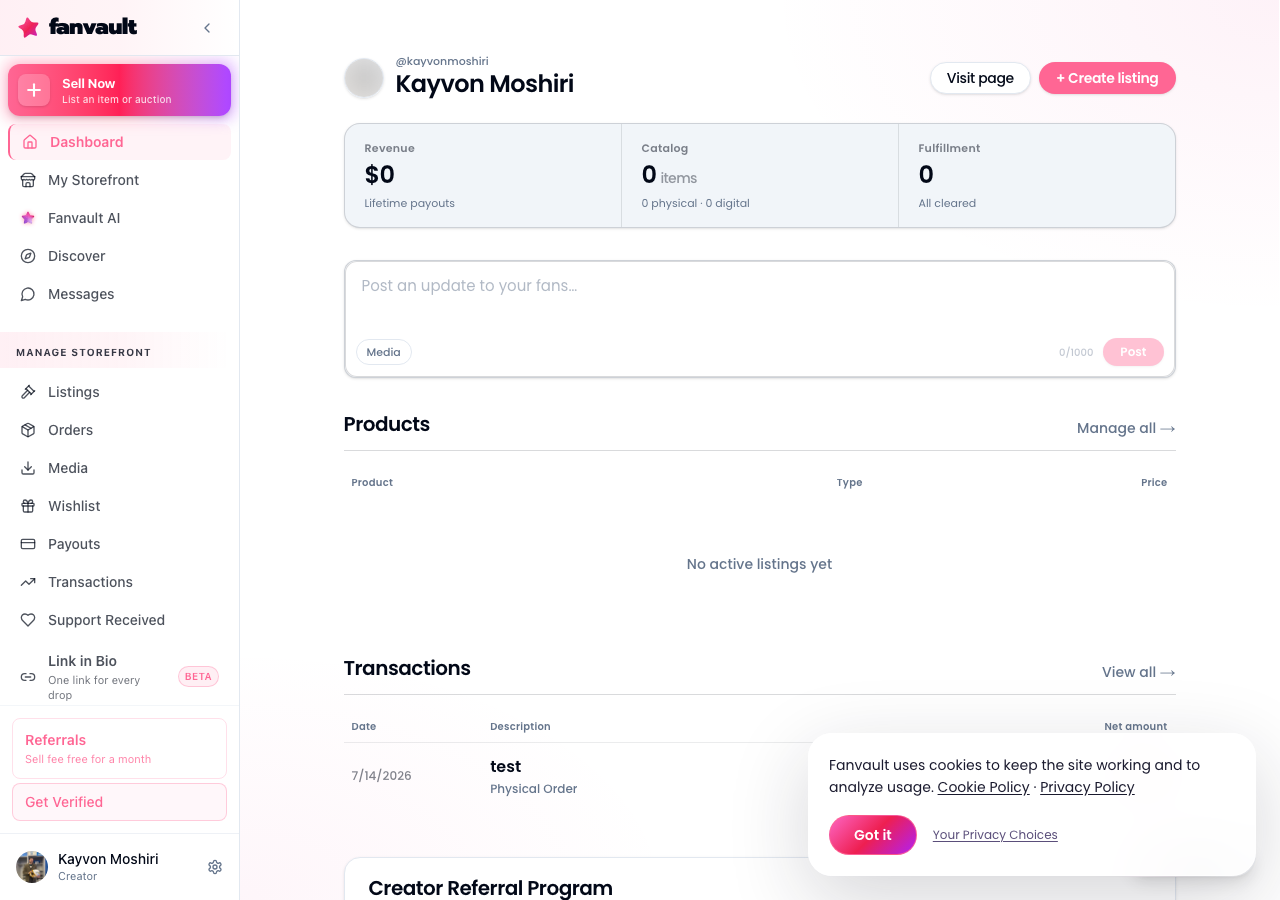
For creators, notes surface in three places automatically, no toggle needed. The bell icon shows a real-time notification with the note preview. The tip email includes the full message and the fan's display name if they attached one. The payouts transactions list shows every note next to its transaction, filterable by date so you can pull up a specific stream or drop and see who said what.
Notes stay with the transaction forever, so a creator scrolling their payouts from six months ago still sees the context of every tip. That's genuinely rare across the creator platforms in Fanvault's category, and it costs nothing on top of the 8% platform fee creators already pay.
What does this unlock?
For fans, it's a way to make a tip mean something specific instead of blending into a payout total. For creators, it's a running feed of exactly why people are supporting them, which is the single most useful signal for deciding what to make next. Small feature, real compounding effect.
Frequently Asked Questions
How long can a note be?
Notes are capped at 280 characters, roughly the length of a tweet. The limit is intentional: long enough to say something specific, short enough that a creator receiving dozens of tips can actually read every one of them.
Can I add a note anonymously?
Yes. The note field is separate from your display name, so you can leave a message unsigned or sign it however you'd like. The creator will always see the transaction itself (they're receiving the payment), but they won't see your billing details, email, or any account information you haven't shared on your Fanvault profile.
Where does the creator actually see my note?
In three places, automatically. An in-app notification fires as soon as the tip clears, the tip receipt email includes the full note, and the note also appears next to the transaction in the creator's payouts dashboard, filterable by date. Notes persist with the transaction forever, so a creator can scroll back months later and still see the context.
Do wishlist contribution notes work the same way?
Yes, with one useful addition. A wishlist note is attached to the specific line item you contributed toward, so the creator knows exactly which gift the message belongs to. That makes it easy to say why you picked that particular item, or to send a birthday message tied to a birthday-list gift.
Does adding a note cost anything extra?
No. Notes are part of every tip and wishlist contribution on Fanvault at no additional cost. The creator still keeps 92% of the contribution under Fanvault's standard 8% platform fee, whether you attach a note or not.