Fanvault Wishlist Item Pages is the creator tool that turns every gift on your wishlist into its own shareable page, complete with photo, description, price, and a contribute button. Fans land, understand the item in seconds, and chip in without leaving Fanvault. This walkthrough shows you how to publish one in under five minutes.
⚡ Key Takeaways
- Every wishlist item on Fanvault gets its own shareable page with photo, price, and contribute button.
- Setup takes under five minutes from the Wishlist hub in your dashboard.
- Fans can contribute preset amounts ($5, $10, $25), a custom amount, or cover the full price.
- Contributions route through Stripe Connect, you keep 92% at Fanvault's 8% platform fee.
- Share the item URL to X, Instagram Stories, or Telegram, it renders as a rich preview card.
- Wishlists are a Fanvault-exclusive surface, Fanvue, Passes, and Fanfix do not offer them.
Where do you find the wishlist hub?
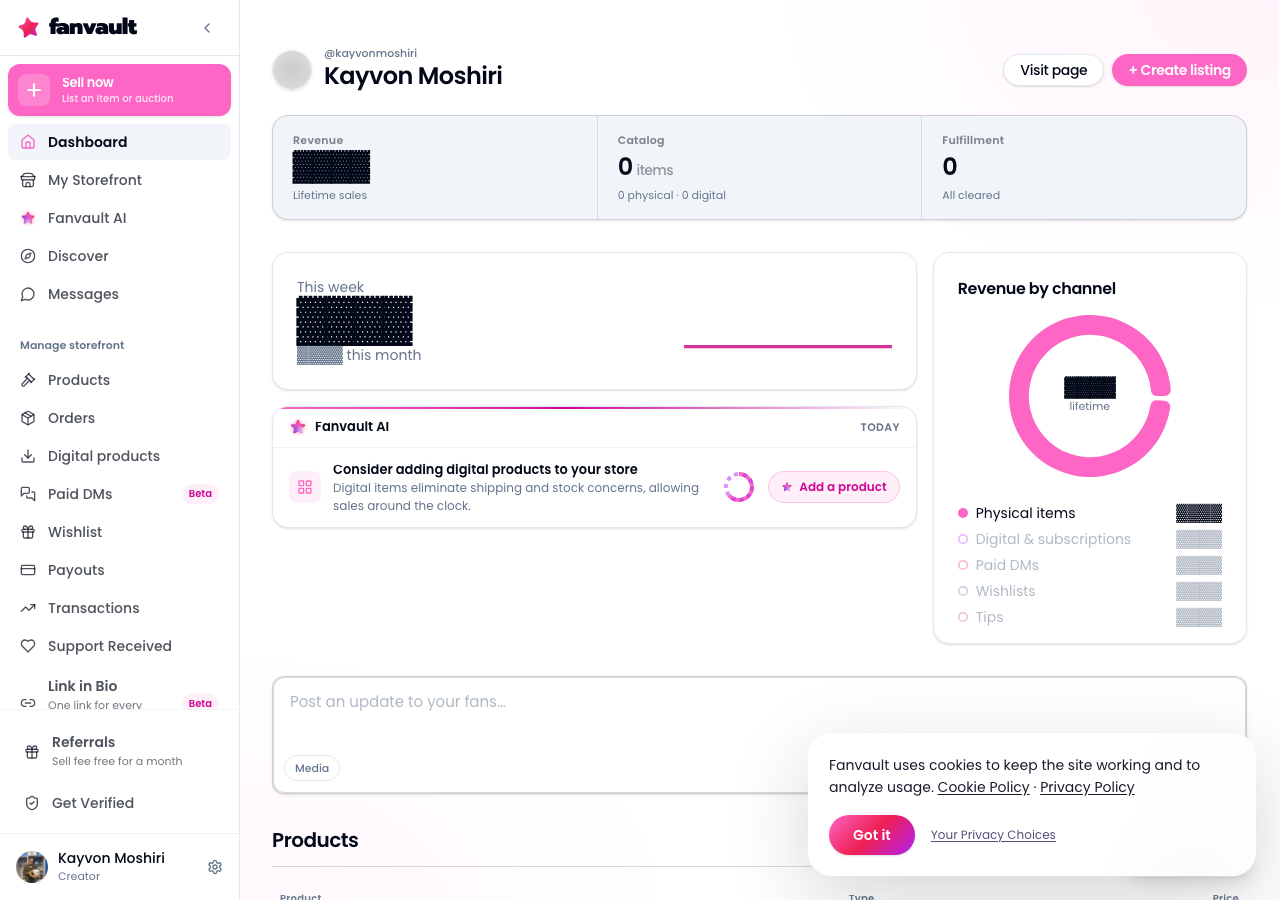
From your Fanvault dashboard, open the sidebar and click Wishlist under the Selling section. The hub loads your current items, plus a big Add Item button in the top right. If you have never used wishlists before, the hub greets you with a short intro and a sample item you can edit or delete.
How do you add a new wishlist item?
Click Add Item and a side panel slides in. Give the item a name (keep it short and specific, like "Studio ring light" or "New tournament jersey"), then paste or drop a photo. Fanvault accepts JPG, PNG, and WebP up to 10MB, and it auto-crops for the item page hero.
What details make an item page convert?
Set a target price in your local currency, then write a two to four sentence description that tells fans why the gift matters. Creators who explain the "why" (a new lens for stream quality, travel gear for the next event) see stronger contribution rates than a bare product name. You can optionally paste a reference URL so fans see exactly which model you want.
Can fans contribute any amount, or the full price?
Both. Every Wishlist Item Page has a contribute button with preset amounts ($5, $10, $25, custom) plus a one-tap "cover the whole thing" option. Contributions route through the same Stripe Connect rails as the rest of your Fanvault earnings, so you keep 92% and Fanvault takes an 8% platform fee. No separate payout setup, no second dashboard to check.
How do you publish and share the page?
Hit Publish and the item goes live at its own URL under your Fanvault profile. Copy the share link from the top of the item card, or use the built-in share menu to push it to X, Instagram Stories, or a Telegram broadcast. The link renders with a rich preview card, so the image, title, and price show up cleanly wherever you paste it.
Can you edit or archive an item later?
Yes. Open any item from the wishlist hub and every field stays editable, including the photo, target price, and description. When the gift arrives (or you change your mind), toggle the item to Archived and the page redirects fans to your active wishlist. Contribution history stays intact so you can thank the fans who chipped in.
What does this unlock for you as a creator?
Wishlists are the one monetization surface that lives in the gray zone between tips and paid content, and no other named competitor in the creator space (Fanvue, Passes, Fanfix) offers them at all. A dedicated page per item means every gift is a linkable, shareable moment. Post the ring light page in your Story, drop the tournament jersey link in a Telegram broadcast, pin the studio mic on your profile. Fans get a crisp, specific ask instead of a vague "support me" prompt, and you get funded gear that shows up in your next stream, video, or match.
Frequently Asked Questions
Do I need a separate payout account for wishlist contributions?
No. Wishlist contributions use the same Stripe Connect account you set up when you onboarded to Fanvault. Every contribution lands in your existing payout schedule alongside subscription, tip, and storefront revenue, so there is one dashboard, one payout, and one 1099 at year end.
What is Fanvault's fee on wishlist contributions?
Fanvault charges its standard 8% platform fee on wishlist contributions, the same rate that applies across subscriptions, paid DMs, tips, drops, and auctions. Creators keep 92% of every contribution. There is no separate wishlist fee, no per-transaction surcharge from Fanvault, and no cap on how many items you can list.
Can fans see who contributed to a wishlist item?
Contributors choose whether their name shows on the item page or stays private. Creators always see the full contributor list in the dashboard so you can send a thank-you DM or post a shout-out. If a fan picks private, their contribution still counts toward the target but shows as "Anonymous" on the public page.
What happens when an item is fully funded?
The item page automatically switches to a "Fully funded, thank you" state, and the contribute button is replaced by a share button so fans can celebrate the moment. You can leave the page live as a thank-you (a lot of creators do), or archive it to move it out of your active wishlist. Contribution history and receipts stay accessible in your dashboard forever.
Can I use wishlist items for non-physical gifts, like travel or software?
Yes. The item page is flexible enough for physical gear (ring lights, jerseys, mics), digital tools (editing software, plugin bundles), or experiences (travel to a tournament, a workshop). Write the description so fans understand what they are funding, add a reference URL when it helps, and set the target to the real cost. Fanvault does not restrict wishlist items to physical products.