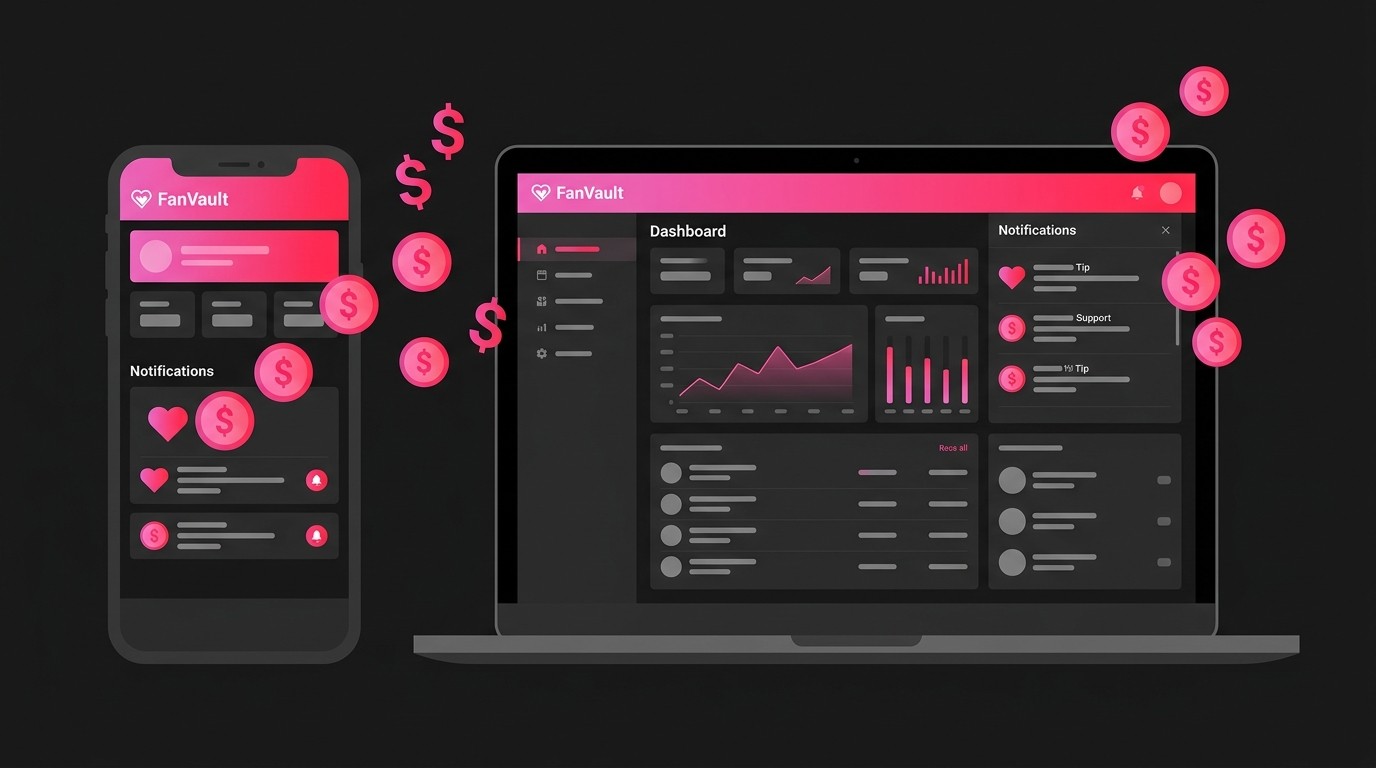
Fanvault now lets fans tip their favorite creators and contribute to their wishlists — directly from any creator's profile page. With one-click preset amounts, custom tipping, Stripe-powered checkout, and a dedicated Support Received dashboard to track every dollar, creators have a new way to earn beyond auctions.
⚡ Key Takeaways
- Fans can tip any creator from $1 to $500 using the new Tip Me button on every creator profile
- Creators can set up a wishlist of items fans can contribute toward — with product links, progress bars, and leaderboards
- All tips and wishlist contributions flow through Stripe for secure, instant payouts
- The new Support Received dashboard tracks total earnings, tip history, and wishlist contributions in one place
- Platform fees are 12.9% (or just 2.9% with a fee waiver) — fans pay a small 5% processing fee on top
How Does Fan Support Work on Fanvault?
Fanvault's fan support system gives your audience two ways to back you financially: direct tips and wishlist contributions. Both are available right from your public creator profile — no extra setup required beyond having your Stripe payments connected.
Tips are straightforward — a fan clicks "Tip Me" on your profile, picks an amount, and checks out via Stripe. Wishlist contributions let fans chip in toward specific items you've added to your wishlist, like equipment, supplies, or anything that helps your creative work.
According to Influencer Marketing Hub, the creator economy is valued at over $250 billion in 2024, and direct fan-to-creator payments are one of the fastest-growing segments. Tipping features on platforms like Twitch, YouTube, and now Fanvault make it easier than ever for fans to support the creators they love.
How Do Fans Tip You on Fanvault?
Every creator profile on Fanvault now features a Tip Me button right alongside Follow, Message, and Share. When a fan clicks it, a clean tipping dialog opens with four preset amounts: $1, $3, $5, and $10.
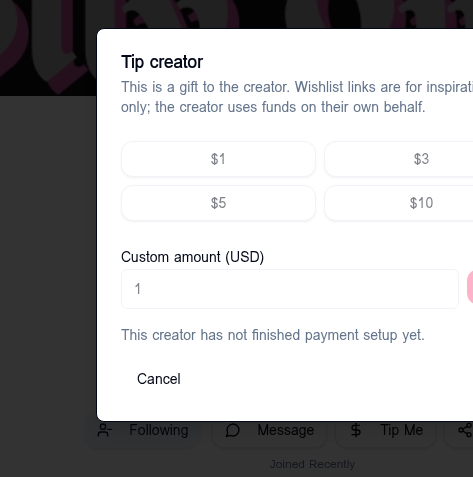
↑ The tipping dialog with $1, $3, $5, $10 presets and a custom amount field
Fans can also enter any custom amount between $1 and $500 using the "Custom amount" field. Once they pick an amount and hit "Go," they're taken to a secure Stripe checkout page to complete the payment.
There's nothing you need to configure. As long as your Stripe account is connected (which happens during creator onboarding), the Tip Me button is automatically active on your profile.
How Do You Set Up Your Wishlist for Fan Contributions?
Your wishlist lets fans contribute toward specific items you want or need. Head to your Creator Dashboard → Wishlist to start adding items.
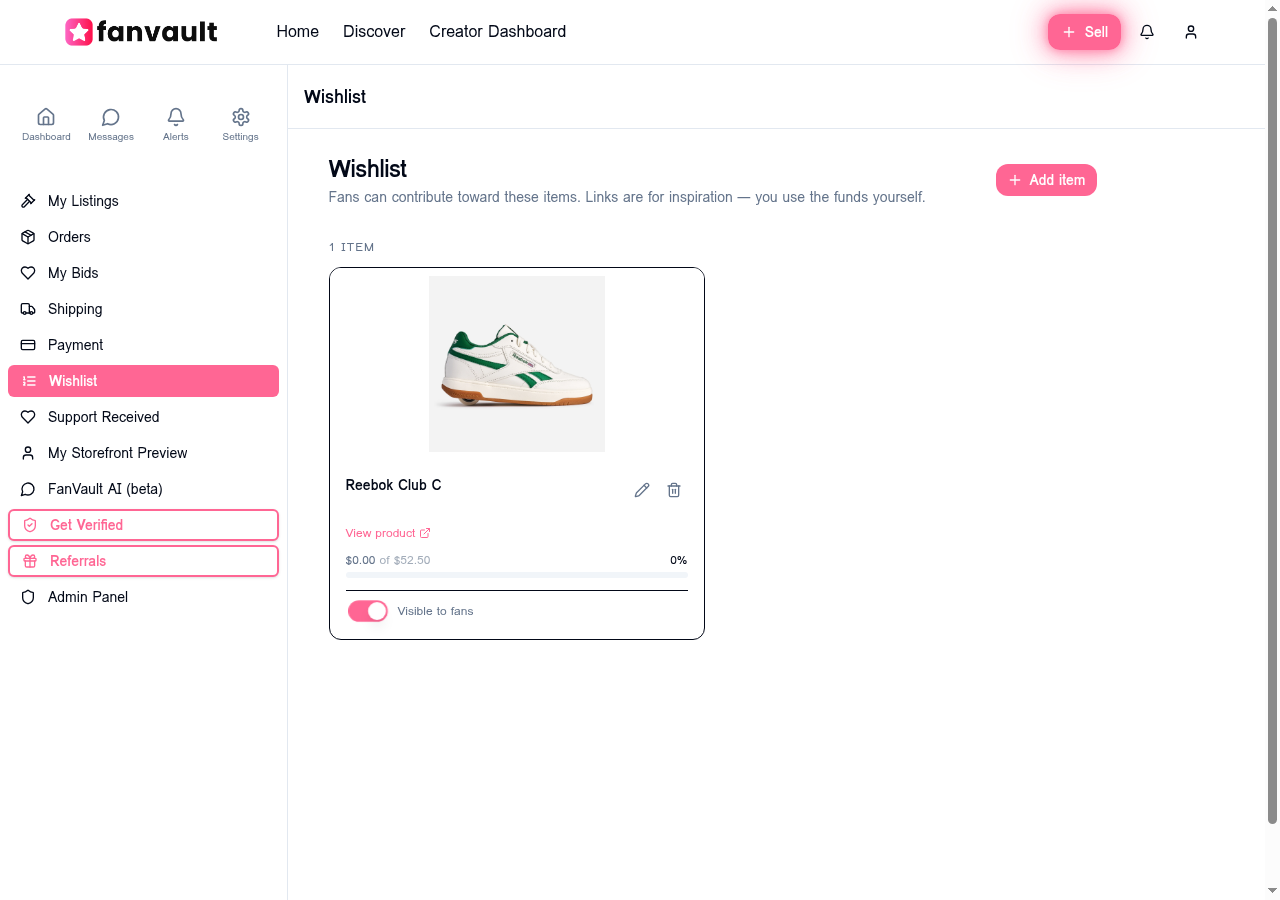
↑ The Wishlist manager — add items, track progress, and toggle fan visibility
Here's how to add a wishlist item:
- Click + Add Item in the top-right corner
- Enter the item name and paste a product link (Amazon, Shopify, or any URL — Fanvault auto-fills product details)
- Set a target price so fans can see how much is needed
- Toggle Visible to fans to show (or hide) the item on your public profile
Once an item is visible, it appears under the Wishlist tab on your creator profile. Fans see a progress bar showing how much has been contributed, and a contributor leaderboard showing top supporters. Important note: wishlist links are for inspiration only — you receive the funds directly and use them on your own behalf.
How Do You Track Tips and Support Earnings?
Fanvault's new Support Received page — accessible from your dashboard sidebar — gives you a clear overview of everything fans have contributed.
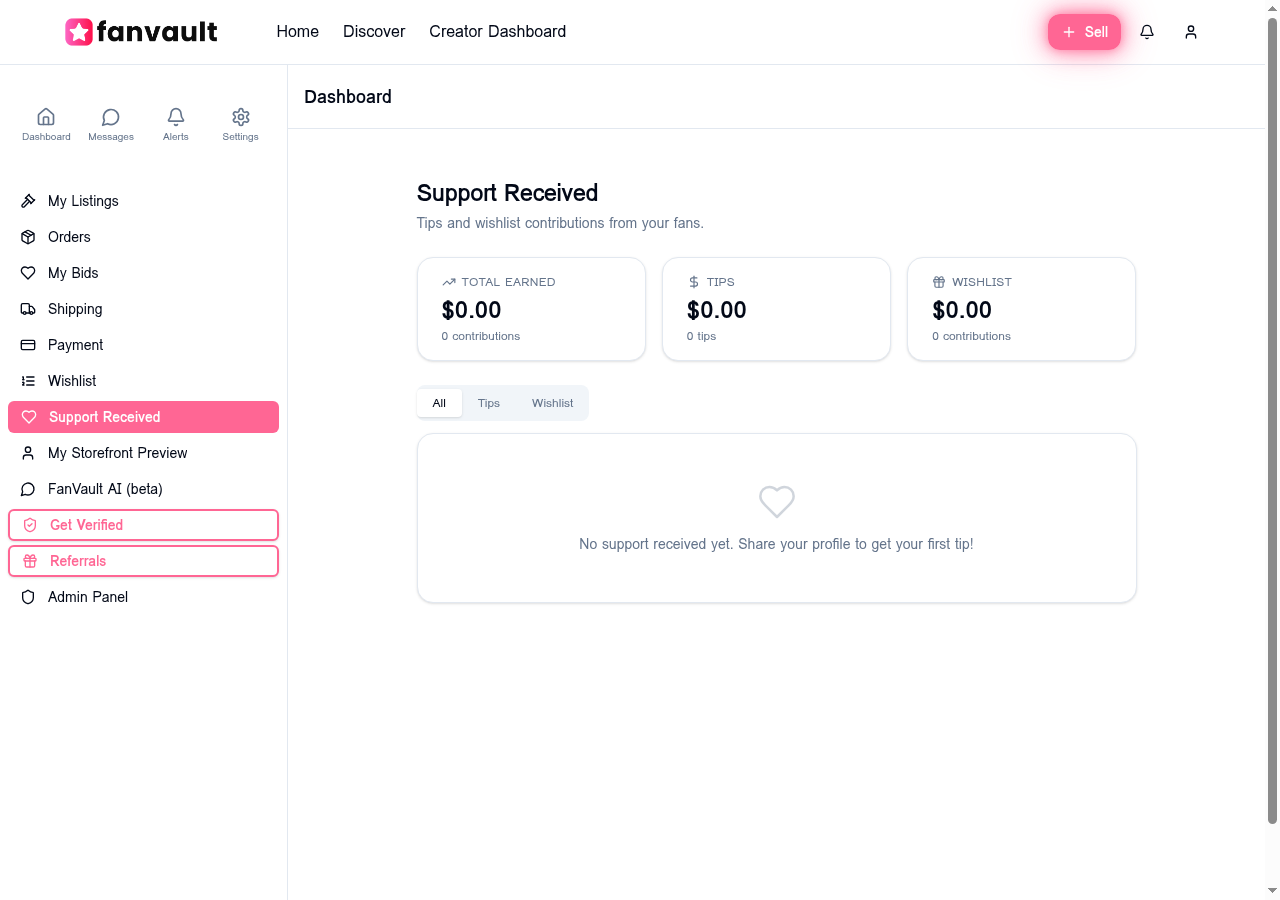
↑ The Support Received dashboard with earnings summary and contribution history
At the top, three summary cards show you:
- Total Earned — your combined payout from all support
- Tips — earnings from direct tips only
- Wishlist — earnings from wishlist contributions only
Below the summary, a filterable feed shows every individual contribution — who tipped, how much, when, and whether it was a tip or a wishlist contribution. You can filter by All, Tips, or Wishlist using the tabs at the top.
What Fees Apply to Tips and Wishlist Contributions?
Fanvault's fee structure for tips and wishlist contributions mirrors the platform's standard auction fees:
- Fans pay a 5% processing fee on top of the base amount (so a $10 tip costs the fan $10.50)
- Creators pay a 12.9% platform fee deducted from the base amount — meaning you keep 87.1% of every tip
- Creators with a fee waiver (earned through the referral program) pay just 2.9% — keeping 97.1%
On a $10 tip, a standard creator receives $8.71. With a fee waiver, that jumps to $9.71. Payouts happen through your connected Stripe account on the same schedule as auction earnings.
What Does Fan Support Unlock for Creators?
Tips and wishlist contributions give your fans a way to support you beyond buying auction items. Whether it's a $1 tip from a new follower or a $50 contribution toward a piece of equipment, every bit of support builds a stronger connection between you and your audience.
The feature is live now on all creator profiles. If your Stripe account is connected, you're ready to receive support. Share your profile link, let your fans know they can tip you, and check your Support Received dashboard to watch the love roll in.
Frequently Asked Questions
Do I need to set anything up to receive tips on Fanvault?
No extra setup is required. As long as your Stripe account is connected during creator onboarding, the Tip Me button is automatically active on your profile. Fans can tip you right away.
What's the minimum and maximum tip amount?
Fans can tip anywhere from $1 to $500 per transaction. The tipping dialog offers $1, $3, $5, and $10 presets, plus a custom amount field for any amount in that range.
How do wishlist contributions work?
When you add items to your wishlist and toggle them visible, fans can contribute any amount toward those items via Stripe checkout. The money goes directly to you — wishlist links are for inspiration only, and you use the funds however you choose.
When do I get paid from tips?
Tips and wishlist contributions are processed through Stripe and follow the same payout schedule as your auction earnings. Funds typically arrive in your bank account within 2-3 business days.
Can I see who tipped me?
Yes! The Support Received dashboard shows each contribution with the contributor's display name, avatar, amount, and timestamp. Wishlist items also feature a leaderboard of top contributors on your public profile.